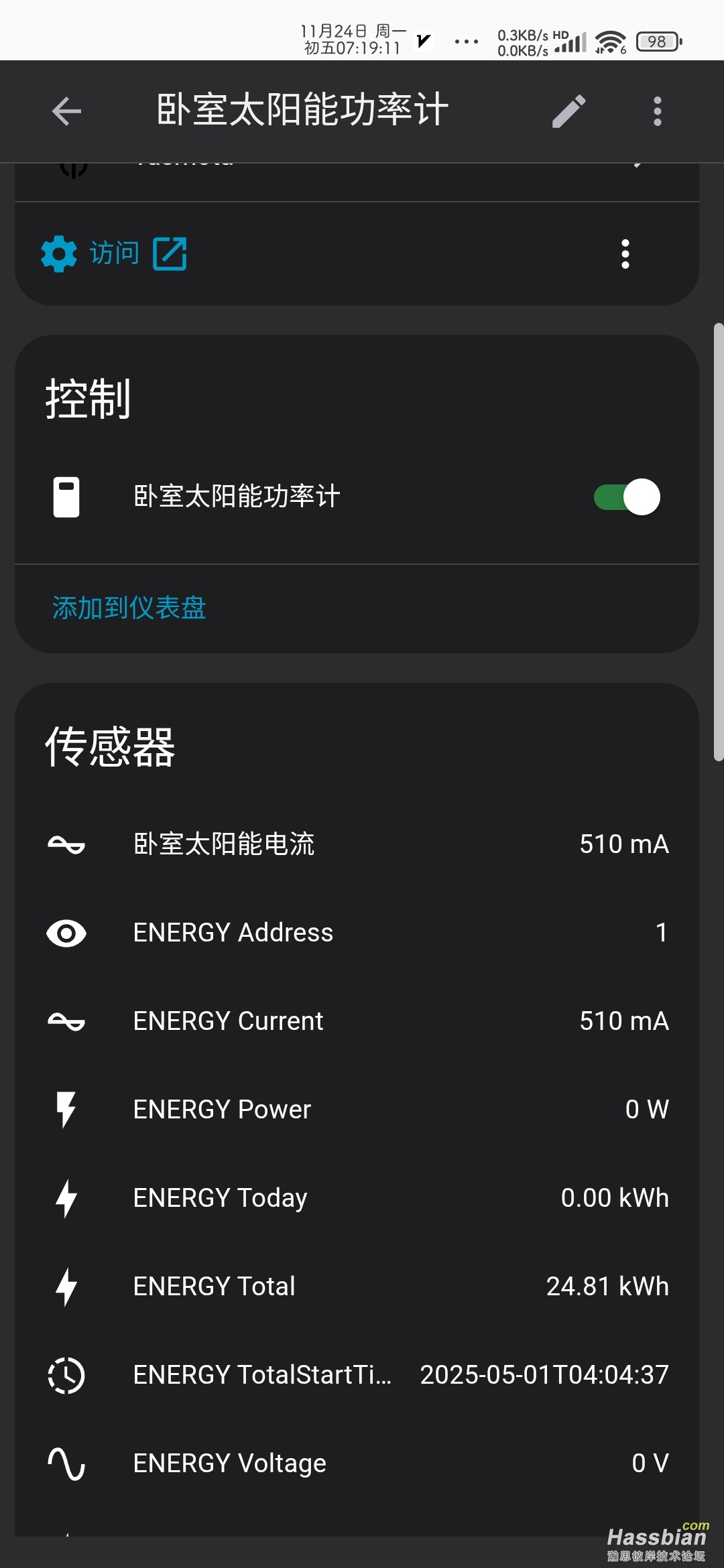
# 电池保护电压设置及校准
number:
  - platform: template
    name: "SET_guochong"
    id: charge_stop_voltage
    min_value: 10.0
    max_value: 65.0
    step: 0.1
    mode: box
    initial_value: 55.5
    unit_of_measurement: "V"
    optimistic: true
    restore_value: true
    icon: "mdi:battery-charging"

  - platform: template
    name: "SET_guofang"
    id: discharge_stop_voltage
    min_value: 10.0
    max_value: 65.0
    step: 0.1
    mode: box
    initial_value: 41.0
    unit_of_measurement: "V"
    optimistic: true
    restore_value: true
    icon: "mdi:battery-alert"

# 新增过电流保护设置
  - platform: template
    name: "SET_guoliu"
    id: over_current_threshold
    min_value: 1.0
    max_value: 35.0
    step: 0.1
    mode: box
    initial_value: 20.0
    unit_of_measurement: "A"
    optimistic: true
    restore_value: true
    icon: "mdi:current-ac"
    entity_category: "config"


# 电压校准设置
  - platform: template
    name: "Voltage Calibration Multiplier"
    id: voltage_calibration_multiplier
    min_value: 0.8
    max_value: 1.2
    step: 0.001
    mode: box
    initial_value: 1.0
    optimistic: true
    restore_value: true
    icon: "mdi:flash"
    entity_category: "config"

  - platform: template
    name: "Voltage Calibration Offset"
    id: voltage_calibration_offset
    min_value: -1.0
    max_value: 1.0
    step: 0.001
    mode: box
    initial_value: 0.0
    unit_of_measurement: "V"
    optimistic: true
    restore_value: true
    icon: "mdi:plus-minus"
    entity_category: "config"

# 电流校准设置
  - platform: template
    name: "Current Calibration Multiplier"
    id: current_calibration_multiplier
    min_value: 0.8
    max_value: 1.2
    step: 0.001
    mode: box
    initial_value: 1.0
    optimistic: true
    restore_value: true
    icon: "mdi:current-ac"
    entity_category: "config"

  - platform: template
    name: "Current Calibration Offset"
    id: current_calibration_offset
    min_value: -0.5
    max_value: 0.5
    step: 0.001
    mode: box
    initial_value: 0.0
    unit_of_measurement: "A"
    optimistic: true
    restore_value: true
    icon: "mdi:plus-minus"
    entity_category: "config"

# 功率校准设置
  - platform: template
    name: "Power Calibration Multiplier"
    id: power_calibration_multiplier
    min_value: 0.8
    max_value: 1.2
    step: 0.001
    mode: box
    initial_value: 1.0
    optimistic: true
    restore_value: true
    icon: "mdi:gauge"
    entity_category: "config"

  - platform: template
    name: "Power Calibration Offset"
    id: power_calibration_offset
    min_value: -10.0
    max_value: 10.0
    step: 0.001
    mode: box
    initial_value: 0.0
    unit_of_measurement: "W"
    optimistic: true
    restore_value: true
    icon: "mdi:plus-minus"
    entity_category: "config"


sensor:
  - platform: pzemdc
    update_interval: 5s  # 增加更新间隔减少负载

    current:
      name: "pzem_current"
      id: pzem_current
      accuracy_decimals: 2
      filters:
        - throttle: 10s  # 添加节流
        - timeout:
            timeout: 60s  # 增加超时时间
            value: 0.0
        - calibrate_linear:
            - 0.00 -> 0.0
            - 4.00 -> 1.55
        - lambda: |-
            float calibrated_value = (x * id(current_calibration_multiplier).state) + id(current_calibration_offset).state;
            return calibrated_value;

    voltage:
      name: "pzem_voltage"
      id: pzem_voltage
      accuracy_decimals: 2
      filters:
        - throttle: 10s
        - timeout:
            timeout: 60s
            value: 0.0
        - calibrate_linear:
            - 0.00 -> 0.0
            - 12.94 -> 12.85
        - lambda: |-
            float calibrated_value = (x * id(voltage_calibration_multiplier).state) + id(voltage_calibration_offset).state;
            return calibrated_value;

    power:
      name: "pzem_power"
      id: pzem_power
      accuracy_decimals: 2
      filters:
        - throttle: 10s
        - timeout:
            timeout: 60s
            value: 0.0
        - calibrate_linear:
            - 0.00 -> 0.0
            - 51.30 -> 19.78
        - lambda: |-
            float calibrated_value = (x * id(power_calibration_multiplier).state) + id(power_calibration_offset).state;
            return calibrated_value;

    energy:
      name: "pzem_energy"
      accuracy_decimals: 2
      unit_of_measurement: "kWh"
| 


 发表于 2025-11-24 07:24:24